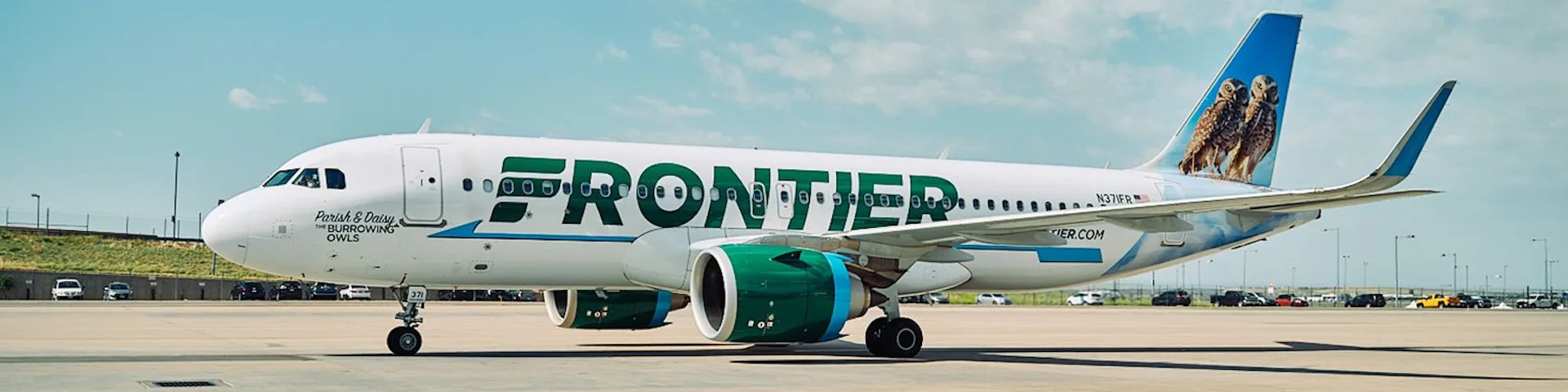
The fleet
Frontier Airlines operations include eight Airbus A320ceos, eighty-two A320neos, twenty-one A321ceos, plus twenty A321neos
Where Frontier Airlines flies each aircraft
A route map and schedule for the next 30 days, one per aircraft type, with the layout usually on each flight.
A guide to AeroLOPA
Not familiar with the letters and numbers that accompany our seat maps? No problem. Here is our methodology.
Aircraft type
This is a three (or sometimes four) digit alpha-numeric code used to identify the aircraft type. We mainly use the established industry standard IATA codes but when more granularity is called for, we use the airline's own aircraft codes instead. In this example, the Boeing 777-300ER is represented by the code 77W.
Seating configuration
To the right of the aircraft code are the cabin seat counts, ordered from left to right and displayed as bubbles representing First, Business, Premium Economy, and Economy cabin classes. The colour of each bubble matches the cabin identifying bar displayed at the right hand side of the seat map.
Some narrow body cabin classes are dynamically sized, where a separating curtain moves forward or aft in accordance with the demand. Here we display the aircraft's combined seat count.
Fleet count
 14
14Below the aircraft code we show the airline's fleet count for that aircraft type. In this example, the airline operates 14 of the Boeing 777-300ER. When an airline has several variants of the same aircraft type, each variant has its own tile and the fleet count reflects only that specific variant.
Variant navigation
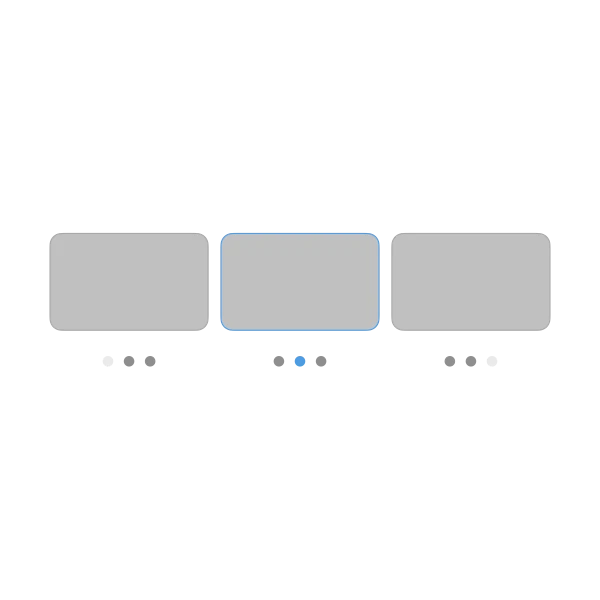
On the aircraft page, when an airline operates several variants of the same aircraft type, a small row of dots appears beneath each tile. The dots show how many variants exist and which one you're currently viewing — the highlighted dot is in the current variant's position. Click any tile in the variant row to jump between configurations.